

Spend Caps
A spend cap limits how much your organization’s agents can spend on AI models in a day, a week, or a month. When a cap is reached, new agent runs are blocked until the period resets or an admin raises the cap. Caps guard against runaway usage: a scheduled task that fans out more than expected, a long multi-step job that keeps going, or a busy week nobody planned for. No caps are set by default, so nothing changes until you add one.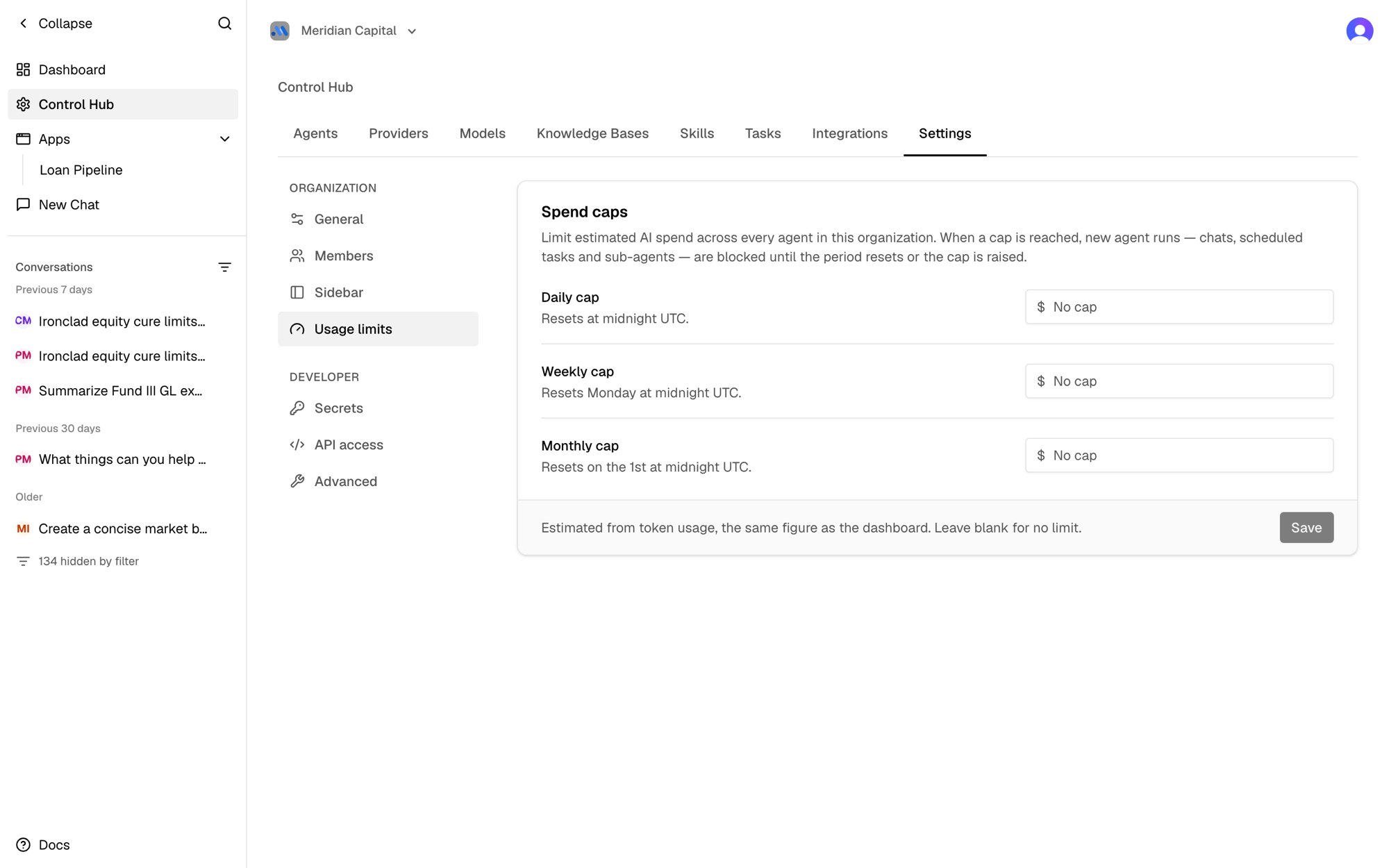
Set a cap
Only Organization Admins (
org:admin) can set or change spend caps. See Roles & Permissions.- Go to Control Hub → Settings → Usage limits.
- Enter a dollar amount for any of Daily cap, Weekly cap, and Monthly cap. Leave a field blank for no limit in that period.
- Click Save.
When caps reset
Periods follow the calendar in UTC:What happens when a cap is reached
- Chats: the conversation stops with a message saying which cap was reached and how much has been spent. The message people sent is kept, so nothing is lost.
- Scheduled tasks: the run is skipped and recorded as failed in the task’s run history, with the same message.
- Sub-agents: an agent that calls another agent gets the message back as an error.
- Work in progress: a long-running task stops at its next checkpoint instead of continuing. The stretch of work already underway (up to a few minutes) finishes first, so spend can go somewhat past the cap.
How spend is measured
Spend is estimated from the tokens each agent uses, priced at each model’s list price — the same figure as the cost on your dashboard. It is not your provider’s bill, which can differ slightly because of discounts or rounding. The estimate covers agent conversations, scheduled tasks, sub-agents, and app actions. It does not include:- Knowledge base processing (embedding and extraction)
- Conversation titles
- Models without a list price in Aster, such as some custom Azure deployments